
















How to Build a Pickup and Delivery App in 7 Easy Steps for 2025
Build a pickup and delivery app in 7 easy steps for 2025 — from planning to launch, create a seamless, user-friendly experience.

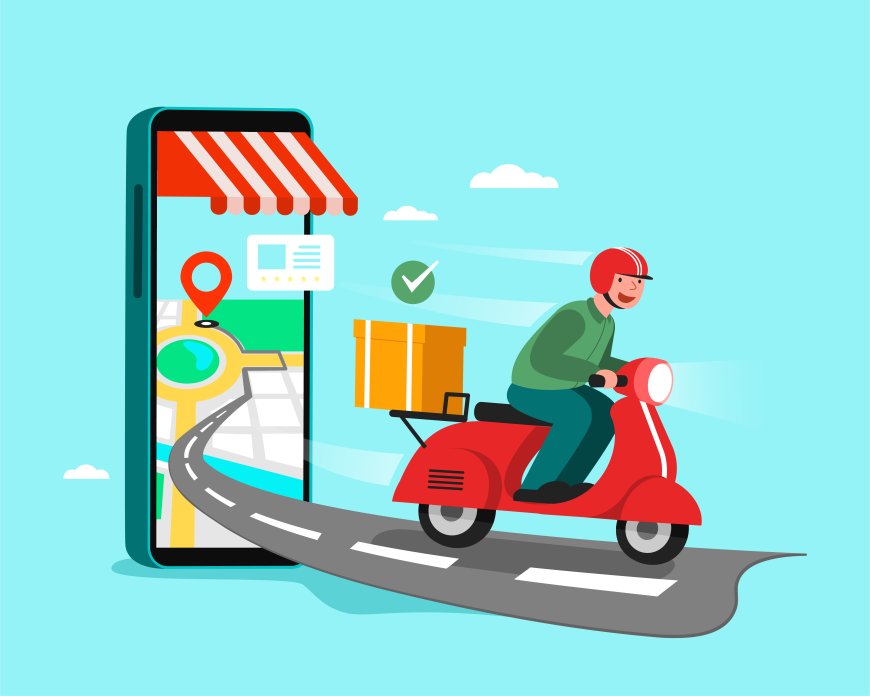
In todays fast-moving world, pickup and delivery apps have become essential for businesses and customers alike. Whether its food, groceries, or parcels, these apps save time and effort. If you want to create your own pickup and delivery app in 2025, follow these seven simple steps to get your project moving quickly and efficiently.
What Is a Pickup and Delivery App?
A pickup and delivery app connects customers, businesses, and delivery personnel through a single platform. It allows users to place orders for products or services, schedule pickups, and track deliveries in real time. These apps cover various industries including food, groceries, parcels, and more.
The main goal is to provide a fast and convenient way to receive goods without leaving home. Customers enjoy easy ordering and transparent delivery status, while drivers benefit from efficient route management and communication tools. For businesses, such apps offer an effective channel to reach more customers and manage logistics smoothly.
Pickup and delivery apps have reshaped how services operate, making speed, accuracy, and customer satisfaction top priorities in 2025.
Key Steps to Build a Pickup and Delivery App in 2025
Follow these key steps to create a reliable and user-friendly pickup and delivery app development. From planning features to launching your app, this guide helps you stay on track.
Step 1: Define Your Apps Core Features
Start by listing the key functions your app will provide. Focus on features that make the app easy to use for both customers and delivery personnel. Typical functions include:
- User registration and login
- Location tracking and address input
- Real-time order placement and status updates
- Payment gateway integration
- Delivery scheduling and route optimization
- Ratings and reviews for services
Avoid cluttering your app with unnecessary features at the beginning. Concentrate on what users need most to ensure a smooth experience.
Step 2: Choose the Right Technology Stack
Selecting the correct technology framework shapes your apps performance and scalability. For the backend, consider languages like Node.js, Python, or Ruby on Rails, known for handling real-time data efficiently. For mobile apps, you can build native apps using Swift for iOS and Kotlin for Android or opt for cross-platform frameworks such as React Native or Flutter to speed up development.
Use cloud services like AWS or Google Cloud to support backend infrastructure, ensuring your app can handle a growing number of users without crashing.
Step 3: Design User-Friendly Interfaces
Your apps design plays a crucial role in attracting and keeping users. Prioritize clarity and simplicity in your user interface. Use straightforward navigation menus and large buttons that make order placement quick and intuitive.
Create separate dashboards for customers, delivery drivers, and administrators. This segmentation allows each user type to access the tools and information they need without confusion.
Step 4: Develop Essential Backend Services
Develop a robust backend system that manages orders, user data, payments, and notifications. Implement APIs that connect the frontend with databases and third-party services such as payment processors and map services.
Make sure to build a secure system that protects sensitive user information and prevents unauthorized access. Use encryption methods and comply with local data protection laws.
Step 5: Integrate Payment Systems
Secure and convenient payment options boost customer trust and satisfaction. Support multiple payment methods such as credit/debit cards, digital wallets like Apple Pay or Google Pay, and even cash on delivery if necessary.
Test your payment gateways thoroughly to avoid glitches that could delay orders or frustrate users. Ensure your app provides clear feedback on payment status after each transaction.
Step 6: Test Your App Rigorously
Testing helps find and fix bugs before launching. Conduct different types of testing such as:
- Functional testing to check if each feature works as expected
- Performance testing to ensure the app runs smoothly under heavy load
- Usability testing to gather user feedback on the apps interface
- Security testing to identify vulnerabilities
Perform tests on various devices and operating systems to guarantee consistent user experience everywhere.
Step 7: Launch and Promote Your App
Once testing confirms the apps stability, launch it on app stores. Write clear descriptions and include screenshots or demo videos to showcase your apps capabilities.
Promote your app through social media, blogs, and email campaigns to attract early users. Consider partnering with local business to gain traction in your target market. Collect user feedback actively and update your app regularly to fix issues and add new features based on user needs.
Final Thoughts
Building the app is just the start. Keep the app updated with new functionalities and improvements. Monitor app performance, and respond quickly to user feedback. Implement analytics tools to track user behavior and spot areas that need attention.
By following these steps carefully, you can create a pickup and delivery app that meets customer needs and stands out in 2025s competitive market.